My Telstra download for android 10 (Quince Tart)
APK file My Telstra compatible with Android 10How to install APK / APKS / OBB file on Android
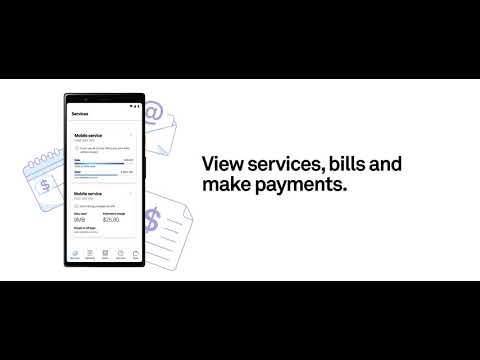

Tracking your order? Making a payment? Getting help?
It’s quicker in the app.
Get in touch
• Just send us a message and you’ll be notified when we reply.
Manage your account
• Update personal details, track payments, manage your services and more.
Recharge your service
• Track your usage, turn on auto recharge, and get in control of your plan.
Check your internet speed
• Monitor outages, restart your modem and check your internet speed.
Telstra Plus
• Access exclusive offers and get rewarded just by making your payments on time.
Shop the latest
• From devices to accessories, shop the latest tech at your fingertips.
Troubleshooting that actually works
• With 98% of queries resolved in-app, you’re just a few taps away from getting on with your day.
Security Features
• McAfee-powered security detects and protects against threats, uses ‘Manage All Files’ permission for device scanning, and may request VPN permission for Safe Browsing (permissions are solely for security, not core app functions).
- LicenseFree
- File nameMy Telstra
- File Version128.0.366.110006
- Package namecom.telstra.mobile.android.mytelstra
- Size62.32 MB
- UploadedSeptember 13, 2026
- Android9.0 or later
- CategoryTools
- DeveloperTelstra Limited
- Developer site
- Developer emailmytelstrasupport@team.telstra.com
- md5 hash21b09c7af6208b43402abb8d872374a6
- Architecture-
- Permissionsshow (31)